Blog cover images: what size to use and how to make one fast
It’s common to finish a post and then lose another half hour on the featured image. Settle on one size, swap in the new title each time, and it takes about a minute.
Make a “Blog cover” in Title Card →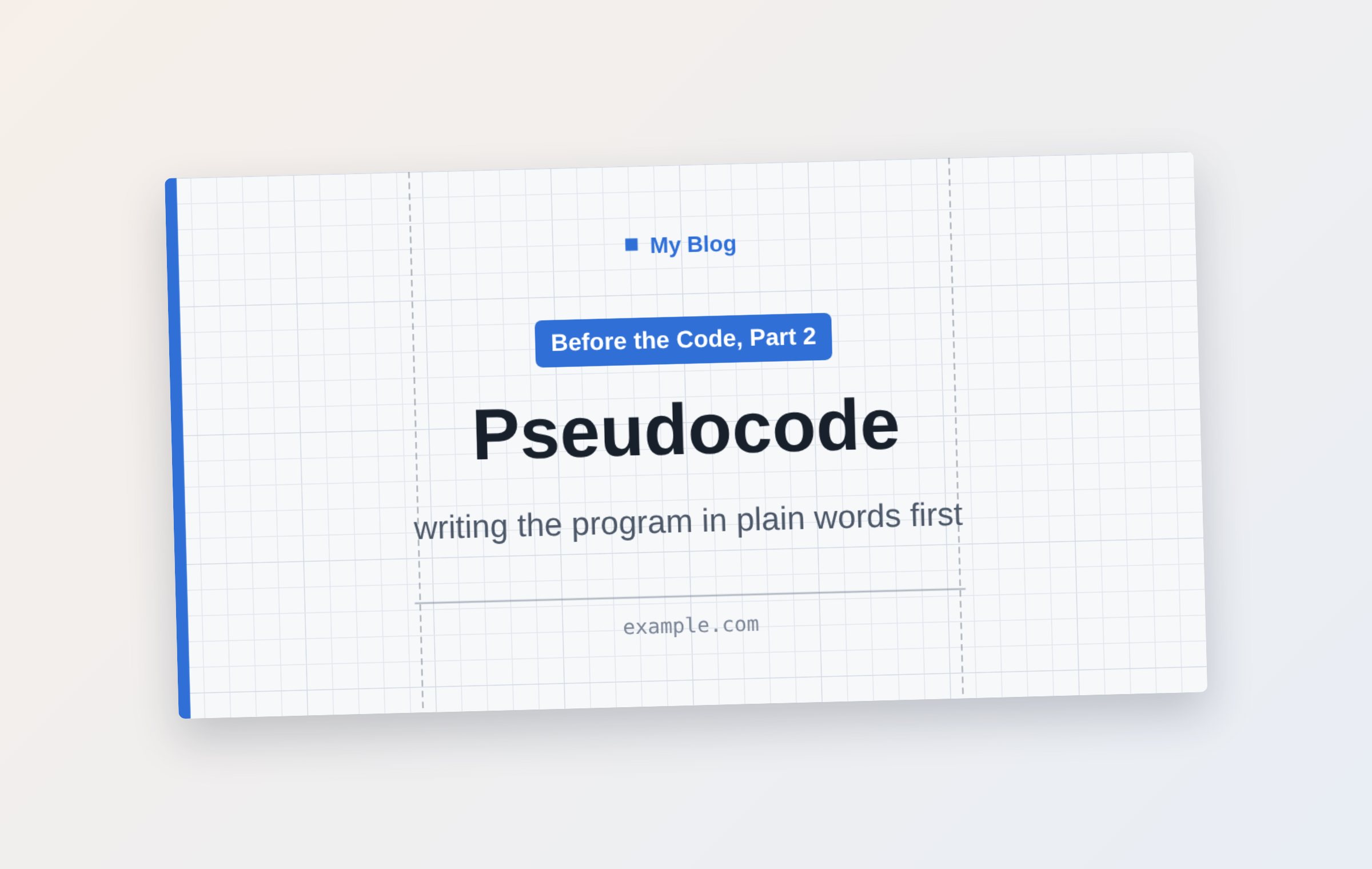
1200 × 630 is the one size you need
When someone pastes your post’s link into Facebook, X, LinkedIn, Slack or a text message, the preview image is a wide rectangle, about 1.91:1. Make your cover 1200 × 630 and it shows in full both in your blog’s post list and in link previews.
If your blog theme crops thumbnails to a square, pick 1080 × 1080 instead. In Title Card that’s one button.
Your title becomes the image
Type one line in the form “Series | Title — Subtitle” and Title Card splits it for you: the series name becomes a label, the title gets the big type, and the subtitle goes in small type. The text size also shrinks to fit longer titles.
For the background, choose Grid paper, Lined, Manuscript grid, Chalkboard, Solid or Photo. Give each series its own color and your post list looks tidy.
Tips for a cover people can read
- Keep the title to two lines or fewer — in a post list it’s shown about the size of a fingernail
- With a photo background, turn up “Darken photo” so the text doesn’t get lost
- Keep text away from the edges — each platform crops a little differently
- For a series, reuse the same layout and change only the number (save it under “My styles”)
Questions
Does it work with WordPress, Medium, Substack and Ghost?
Yes. The cover is saved as a PNG file, so you can use it anywhere that lets you upload an image.
Do I need to sign up?
No. Open the page and you can make and save a cover right away.
Are the fonts OK to use?
Yes. Every font in the tool is an open font that anyone can use freely (Open Font License).
More guides
- 💌 Free invitation maker — wedding, birthday and party invitations to send by text
- 🔖 Turn a line from a book into a printable bookmark
- ✉️ Turn a photo into a postcard and send it by text
- YouTube thumbnail size and how to make one for free
- Make a business card for free and print it
- Make a flyer or notice in five minutes