YouTube thumbnail size and how to make one for free
On a phone, a thumbnail isn’t much bigger than a postage stamp. A few words that can be read at that size are all it has room for.
Make a “YouTube thumbnail” in Title Card →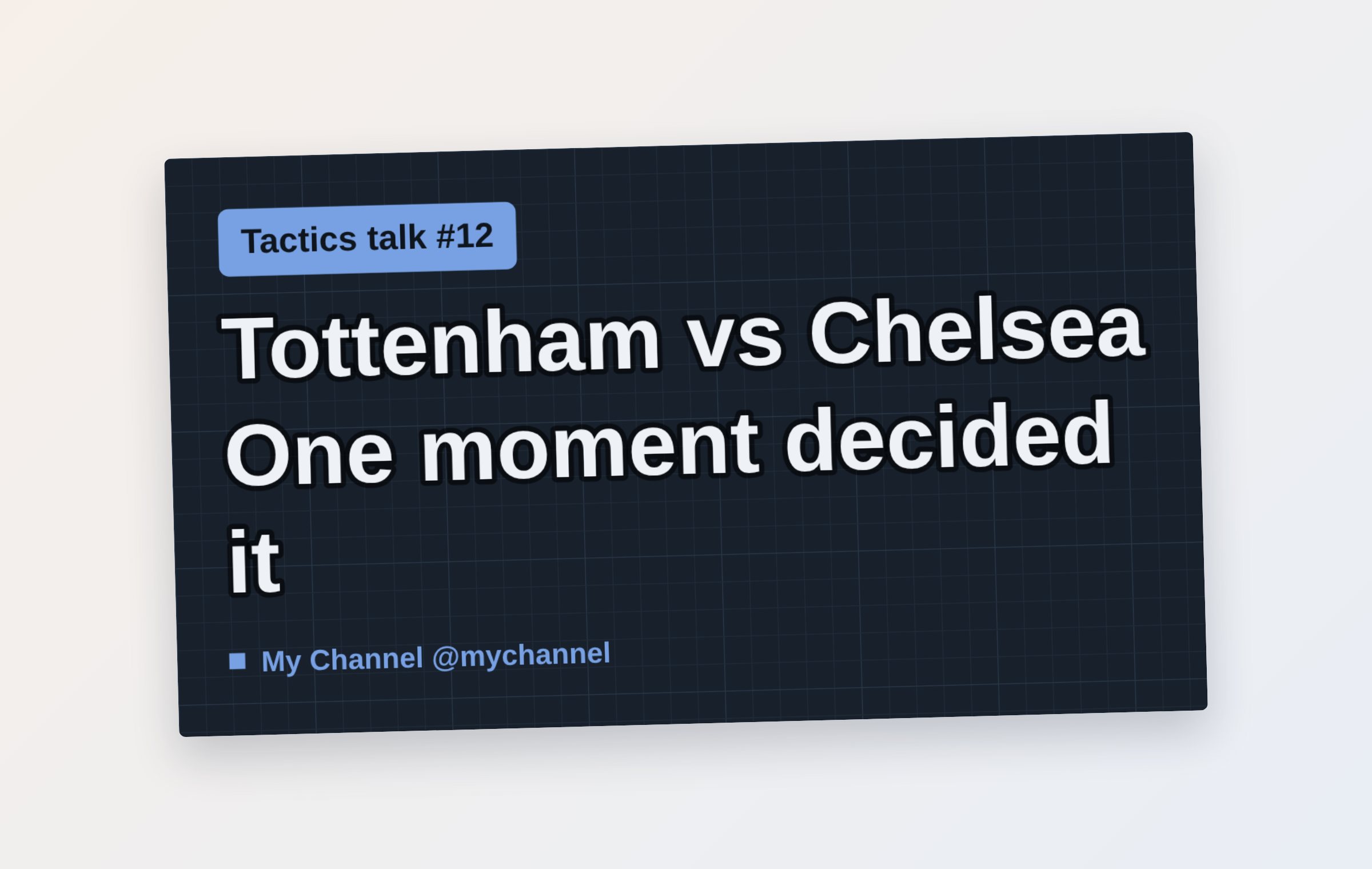
Recommended size
- 1280 × 720 pixels (16:9)
- At least 640 pixels wide
- Under 2 MB, JPG or PNG
Making one in Title Card
Pick “YouTube thumbnail” and the canvas is set to 1280 × 720. Line breaks you type in the Headline field are kept, and the text grows to fill the space.
For the background, upload your own photo or pick one of the 20 built-in free photos (CC0). Your photo isn’t uploaded to a server; it’s used only inside your browser.
Turn on “Text outline” and “Text shadow” and the words stay crisp even over a bright photo.
Tips for a thumbnail that gets clicked
- Three or four words — don’t repeat the video title, say it in one phrase
- Make the text and the background very different in brightness
- Leave the bottom-right corner empty — the video length badge covers it
- Use the same colors and layout across your channel
Questions
Is there a watermark?
No. Nothing is added to the image you make.
Can I make one on my phone?
Yes. Add the page to your home screen and it opens like an app.
Can I use it on a monetized channel?
Yes. What you make is yours to use freely.
More guides
- 💌 Free invitation maker — wedding, birthday and party invitations to send by text
- 🔖 Turn a line from a book into a printable bookmark
- ✉️ Turn a photo into a postcard and send it by text
- Blog cover images: what size to use and how to make one fast
- Make a business card for free and print it
- Make a flyer or notice in five minutes